Breath
Follow inhale and exhale with the core breathing preset.
 Haptic Calm
All apps
Haptic Calm
All apps
Haptic breathing · For iPhone
A little time with your breath. Haptic Calm pairs designed vibration patterns with a breathing circle, so you can follow the rhythm in your hand.
Free download · In-app purchases

Haptic Calm is an iPhone breathing and relaxation app that pairs vibration patterns with a visual breathing guide. It is free to download, with optional Pro in-app purchases for custom rhythms, intensity controls, unlimited Mystery explorations and Creation Mode. According to its privacy policy, practice works offline and settings stay on the device; downloads, purchases and restores use Apple services.
iPhone · iOS 15+ · English, French and Simplified Chinese.
Haptic Calm is listed as Calme Tactile in France and 触感正念 in China.
Product information checked . Sources: App Store · Privacy policy. Current prices and availability may vary by region.
01 / The practice
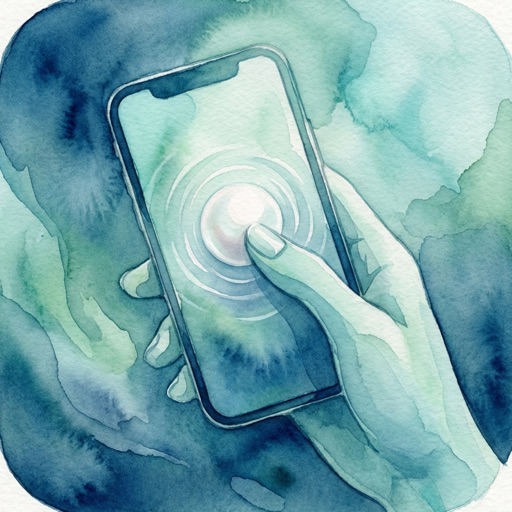
Hold your iPhone and press your thumb on the centre of the screen.
Follow the haptic feedback, breathing circle and particle animations.
Lift your thumb whenever you want to end the practice.
02 / The collection
Start with a preset. Each is a different haptic style for the same press-and-hold breathing practice.

Follow inhale and exhale with the core breathing preset.
Choose a heartbeat-inspired style for your practice.
Try the cat-purr-inspired preset in the collection.
Explore the tide-inspired option among the six built-in styles.
Switch to Rain for another preset haptic pattern.
Choose the bowl-inspired vibration style introduced in version 1.2.
03 / A daily discovery
Today’s Exploration generates a new “Mystery” haptic style, with its own vibration curves and textures. Name and save the ones you want to return to.
Pro adds unlimited explorations and space for up to 10 saved Mystery styles.


04 / Optional Pro
Adjust inhale and exhale separately, from 2 to 10 seconds, and set haptic intensity from 0 to 200%.
Creation Mode lets you combine up to five styles per breath phase, tune texture and rhythm, and save up to 10 custom haptics.
Haptic Calm is free to download. Pro is available as an in-app purchase. Check the App Store for the current price and purchase terms in your region.
05 / A private practice
The privacy policy states that Haptic Calm collects no personal data and uses no analytics or tracking. Your haptic preferences, breathing rhythm and colour settings stay on your device.
Breathing practice works offline. Downloading the app, buying Pro and restoring purchases use Apple’s services. Payments are handled by Apple.
Read the privacy policy06 / A few answers
Haptic Calm is a haptic breathing and relaxation app for iPhone. It pairs vibration feedback with a breathing circle and particle animations, and includes six preset styles, daily Mystery discoveries and optional Pro customisation.
Hold your iPhone and press your thumb on the centre of the screen. Follow the haptic feedback and visual cues for your breath. Release your thumb to end the practice.
The six presets are Breath, Heartbeat, Purr, Tide, Rain and Singing Bowl. Today’s Exploration also generates Mystery styles that you can name and save.
Haptic Calm is free to download with an optional Pro in-app purchase. Pro adds 2–10 second inhale and exhale settings, 0–200% intensity control, unlimited Mystery explorations with up to 10 saved Mystery styles, and Creation Mode for up to 10 custom haptics. Check the App Store for the current price and purchase terms in your region.
Yes. Breathing practice works offline. The privacy policy states that settings stay on your device, with no account, personal data collection, analytics or tracking. Downloading the app, making purchases and restoring purchases use Apple’s services.
Haptic Calm is made for iPhone and requires iOS 15.0 or later. The app supports English, French and Simplified Chinese.
No. Haptic Calm is for everyday breathing and relaxation. It does not diagnose or treat a condition, and it is not a substitute for professional care.
Haptic Calm for iPhone
Free download · In-app purchases · iOS 15.0+