








竹间

INK PANDA

A little company.
A world that takes its time.

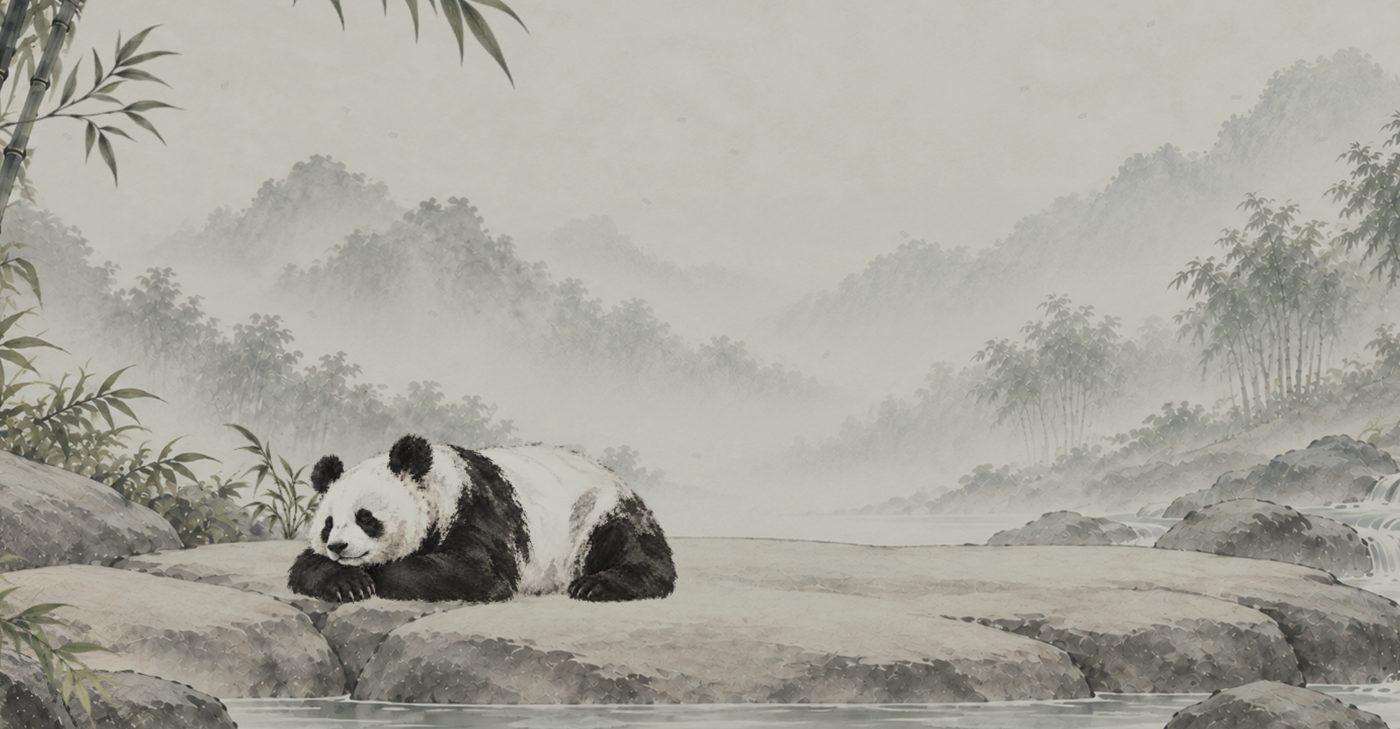
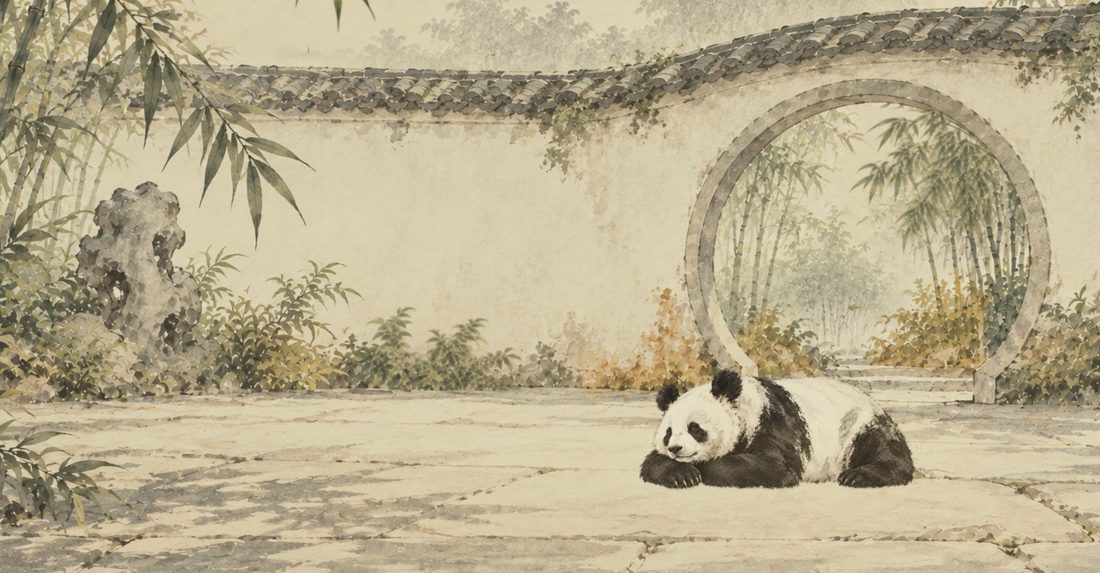
A panda rests in a painted landscape. Focus, pause, or listen to the creek before sleep — it stays beside you.

For iPhone and iPad · iOS 17 or later

Coming soon to the App StoreNo account · No tracking

Ink Panda is a painted panda companion for iPhone and iPad, with nature sounds, timers and a local journal. Its free Home Screen widget offers Ink Window or Notes in three sizes, including mood in large Notes. Coming soon to the App Store; Pro purchases are not yet open.

Last reviewed 22 October 2026

01

One painting, four seasons

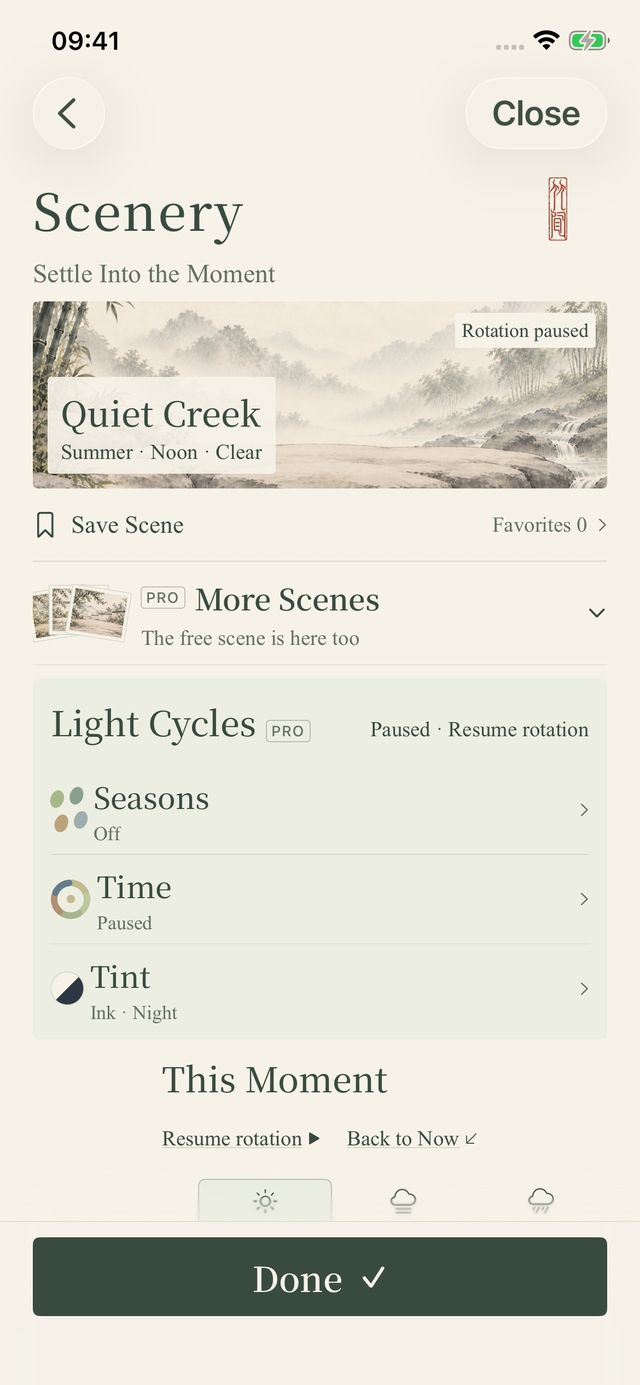
Quiet Creek is free. Choose a season, a time of day and the weather; spring mist, summer green, autumn colour and winter snow each have their place. Pro can follow the seasons, light and local weather for you.

Spring · Fresh green
SpringFresh green
Summer · Deep green
SummerDeep green
Autumn · Warm ochre
AutumnWarm ochre
Winter · Snow on stone
WinterSnow on stone
02 · PRO

Six more places to wander

With Pro, step into six more painted scenes. Some are ink, some are colour. Each keeps its own light and character.

03

There is nothing to keep up with

Stay a while. Leave whenever you like. The little things are here when you need them.

Final promotional artwork · English
01

A painting that lives with the day

Light, seasons and weather settle into the landscape. With Pro, choose tints and night palettes, or let the light turn by itself.

  • Seven painted scenes, including the free Quiet Creek
  • Rain, mist and snow where the scene supports them
  • In Low Power Mode, background motion slows rather than stops
Final promotional artwork · English
02

A quiet companion for your time

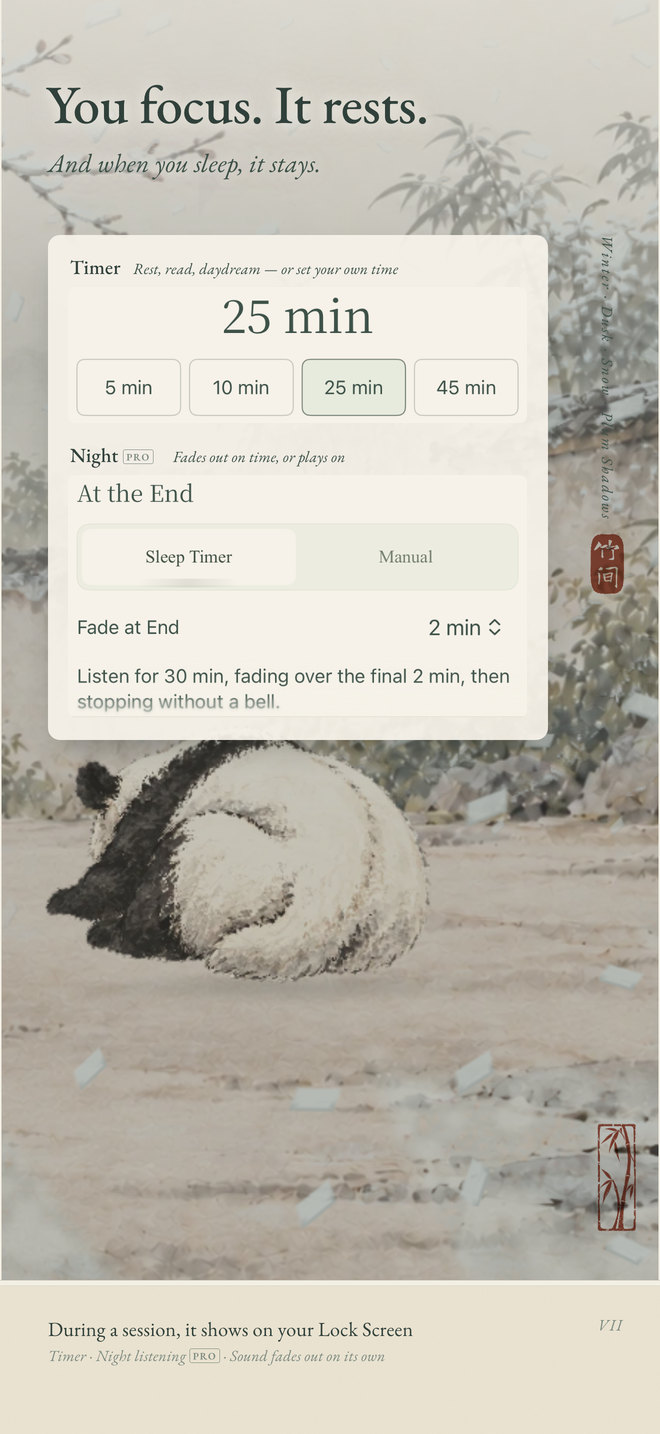
Choose your own focus, reading or rest duration, for free. A Corner to Go keeps the timer on your Lock Screen and, on supported devices, the Dynamic Island.

  • Start with Siri or Shortcuts
  • Keep a local record only if you choose
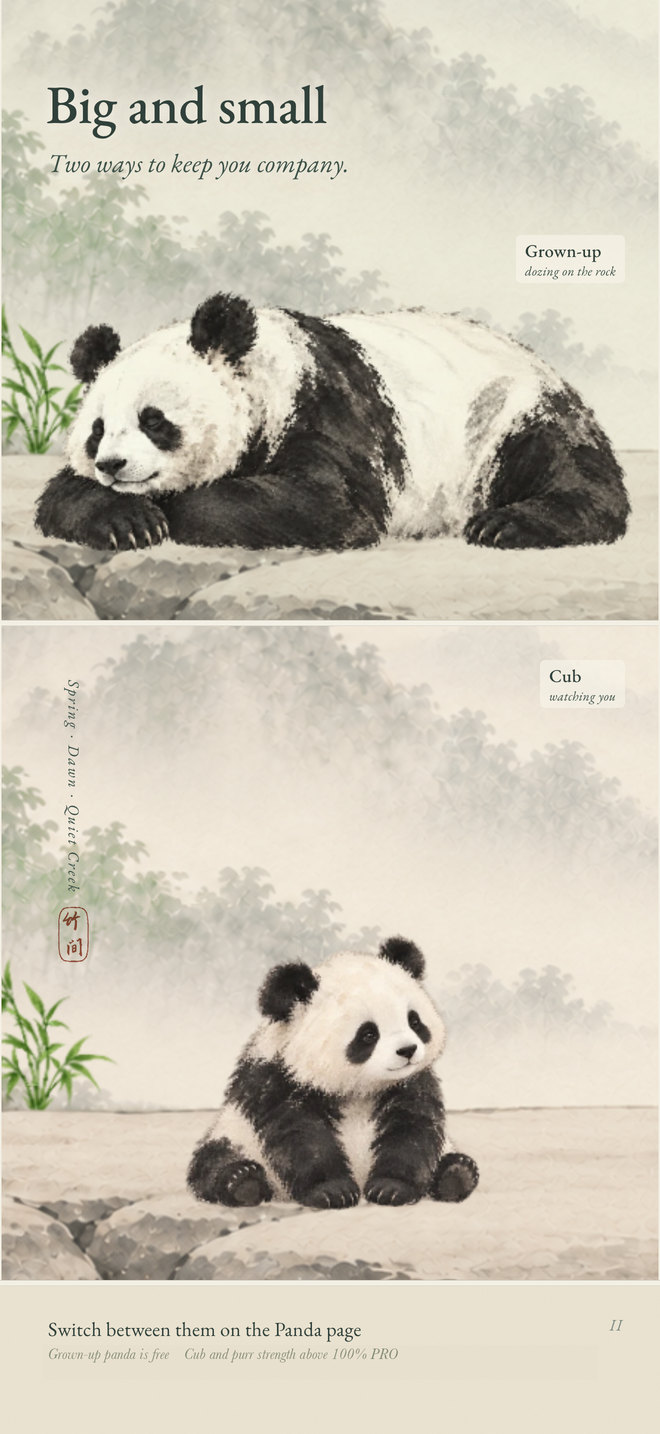
  • The adult panda is free; the cub is part of Pro
Final promotional artwork · English
03

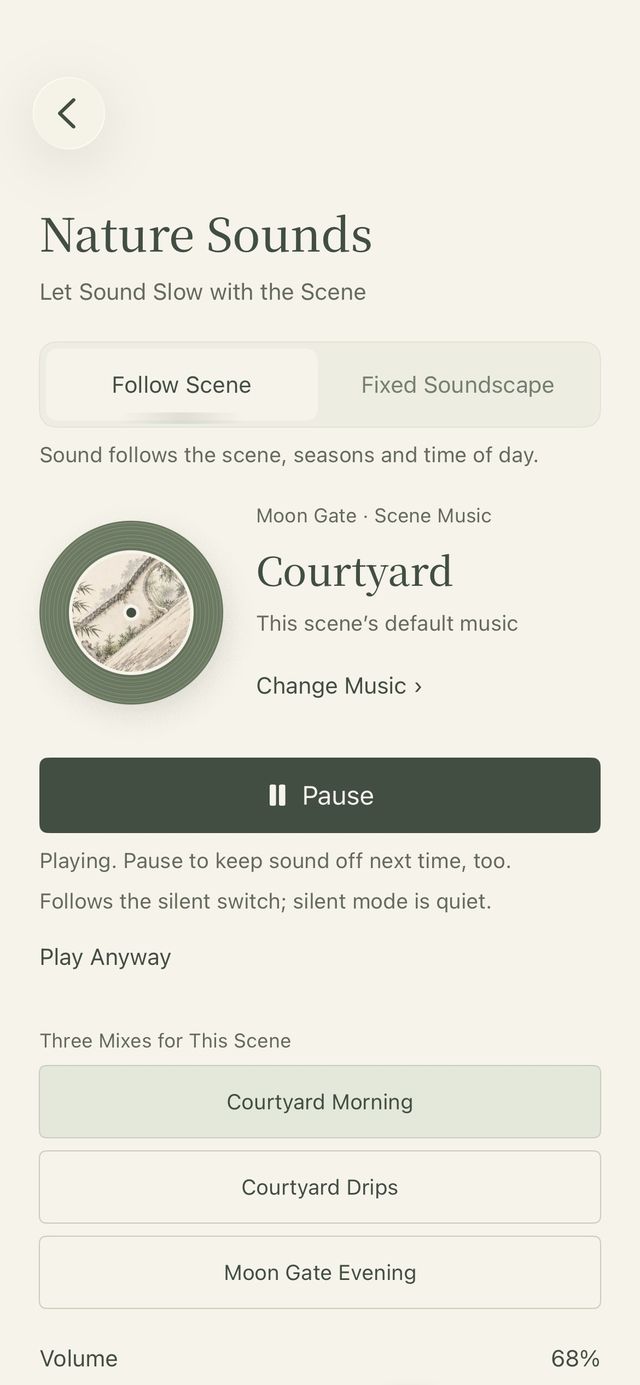
Sound, with room to breathe

Mix the ambience and BGM separately. Pro adds bedtime listening, your own imported music, and playback that continues when you leave the app or lock the screen.

  • Choose sounds for each scene
  • Set a bedtime duration and fade with Pro
  • Ordinary listening stays inside the app
Final promotional artwork · English
04

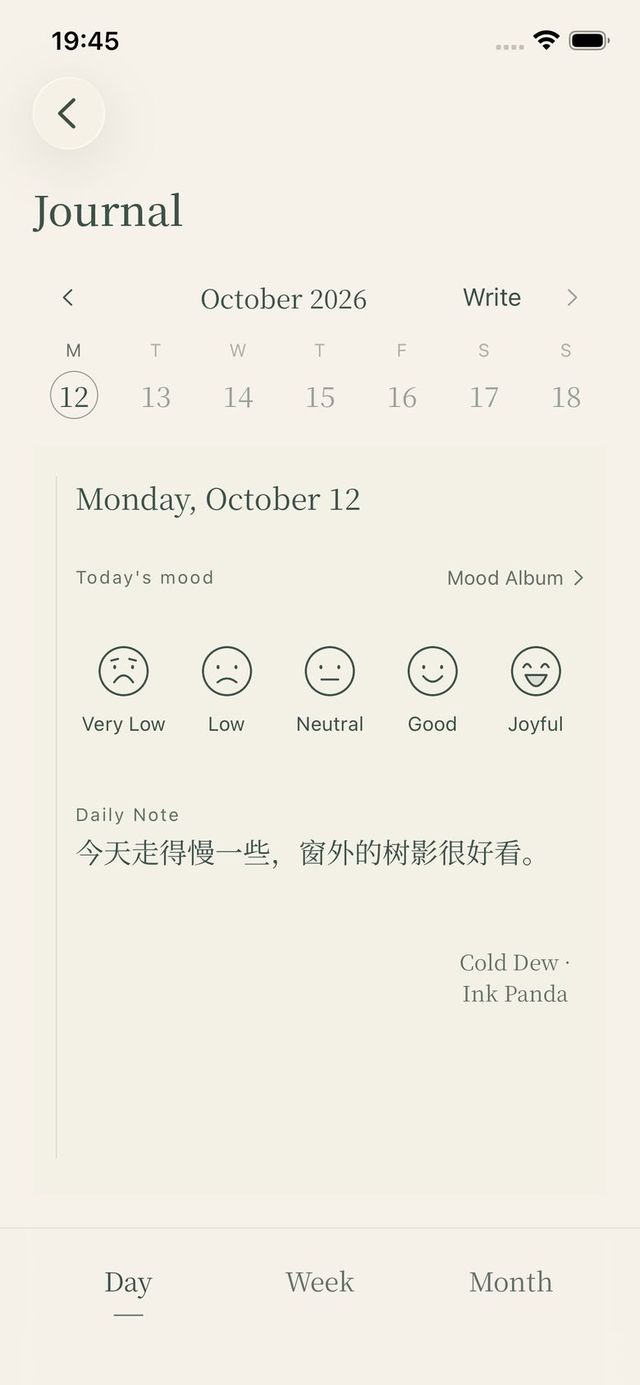
A page for a day, not a streak

A mood, a few words, a little time together. The journal brings them onto one page, with week and month views. An empty day can stay empty.

  • Moods, notes and all 36 seals are free
  • Companion and bedtime history stay on your device
  • Three free weekly album layouts to save or share
05

A little landscape, on your Home Screen

There is one Ink Panda Home Screen widget, in small, medium and large. To add it, touch and hold an empty area of the Home Screen › Edit › Add Widget › search for Ink Panda.

  • In Ink Panda Settings › Widgets, choose Ink Window or Notes separately for each size; the Home Screen follows your choices. Touching and holding the widget does not offer a style selector.
  • Ink Window shows the painting currently in the app, with a single vertical date and the panda in the landscape.
  • Notes holds up to three small tasks you can check off on the Home Screen. Completed tasks stay crossed out that day and are tucked away the next day. Large Notes also lets you tap today’s mood.
  • Ink Window, Notes, mood, Lock Screen widgets and Live Activities are free. Pro adds your own vertical inscription on the painting and Local Weather: rain and snow change the landscape, without weather text.
Final promotional artwork · English
06

A few details, quietly considered

Pet the panda, hear a purr, or leave a small mark on the day. You decide how much to use.

  • Simplified Chinese, English, Traditional Chinese and Japanese
  • App language can be chosen in Settings; widgets follow the system language
  • Large text and reduced motion are respected
04

Most of the company is free

Free

Yours to keep using
  • Quiet Creek; manual seasons, light and weather
  • Timers with your own duration; Lock Screen and Dynamic Island
  • Journal, moods, notes, every seal and three album layouts
  • Ink Window, Notes and mood; Lock Screen widgets and Live Activities

Ink Panda Pro

Pro coming soon
  • Six more scenes and the cub panda
  • Automatic light and season changes, tints and night palettes
  • Local weather; scene music and bedtime listening
  • Background playback and imported sounds
  • Your own vertical inscription on the widget painting
  • Purr strength above 100%

One set of features, four ways to stay

  • Monthly
  • Quarterly · 3 months
  • Yearly
  • Lifetime · one-time purchase

Pro coming soon. Prices are shown in your local currency in the App Store. Check the price before confirming your purchase.

Once Pro is available, eligible new subscribers can try the yearly plan free for 7 days. Eligibility and availability are confirmed by Apple. It then renews at the yearly price shown unless cancelled at least 24 hours before the trial ends.

Monthly, quarterly and yearly plans renew automatically. Manage or cancel in Settings › your name › Subscriptions. Lifetime is a one-time purchase and does not renew. All four plans unlock the same Pro features.

Terms of Use ›

It stays on your device

  • No accountOpen the app and settle in. No registration.
  • No ads, no trackingNo analytics, advertising or tracking SDKs.
  • Your own little archiveSettings, favourites, journal and listening records stay locally.
  • Weather, only if you askReduced-accuracy location is used for Apple weather requests. Coordinates are not saved.